
What goes in a local newsletter: a section-by-section anatomy
A local issue is a repeatable set of sections, top story through sponsor slot. Learn the anatomy once and publishing day stops being a guess.


Publishing day arrives and the issue is blank. The publisher sits in front of a list of links, half-finished notes, and a send time getting closer, with no clear idea of what actually belongs in this week's email. The fix is not more willpower. It is an anatomy. A local newsletter is a repeatable set of sections, top story through sponsor slot, and once a publisher sees that structure, assembling an issue becomes assembly work instead of invention.
The short version
A typical local issue has six or seven slots. The top story leads. Local news briefs follow. Then events, then food, then a featured home, then pets or jobs, and finally the sponsor slot. The order can flex, but the sections themselves are stable across local newsletters because they map to what a reader in a town actually opens the email for: what happened, what is happening this week, where to eat, and what is for sale.
The top story
The top story is the one thing in the issue a reader would be annoyed to miss. A council vote, a road closure, a school announcement. It gets the most space, the strongest subject-line material, and it earns the prime position at the top of the email. Everything else in the issue is a supporting act. A useful test: if nothing happened this week big enough to be a top story, the issue may be better served by leading with events or food than by stretching a weak story.
Local news briefs
Under the top story, a handful of two or three sentence briefs cover the rest of the week's local news. Police reports, school board notes, business openings, county decisions. Briefs do the curation work readers cannot do themselves: they follow a dozen municipal and school sources so the reader does not have to. Each brief should be short, link to the source for anyone who wants depth, and move on.
Events
The events section answers one question: what is there to do this week. Farmers markets, school fundraisers, library programs, live music. It is the section readers save and forward, and it fills from public calendars, city listings, school district pages, and venue schedules. The consistent format matters more than the length. A date, a time, a place, one sentence of what it is. lightbreak maintains a guide on building this section from free sources, which is the same advice in short form: build one reusable list of your town's public calendars and check it on a schedule instead of hunting from scratch each week.
Restaurants
A restaurant section covers new openings, menu changes, closures, and occasionally a straight recommendation. In towns where new places open regularly, this section becomes a signature. It also does double duty as an ad sales conversation: restaurants that see themselves mentioned are the natural first buyers of a sponsor slot. Keep it factual and specific. Name the address, the cuisine, and what changed.
Featured homes
The featured home section shows one listing per issue, with price, bedrooms, bathrooms, and a photo or GIF. It works in two kinds of newsletters: general local issues, where it doubles as real estate advertising inventory, and newsletters run by or for real estate agents, where a weekly community issue leads with local content and features one home per issue. The featured home gives an agent a reason to send a genuinely useful email every week instead of a listing blast.
Pets and jobs
A pet section, often framed as Pet of the Week, pulls from shelter adoption feeds and is consistently one of the best-performing sections in a local issue. Readers open for it and share it. A jobs section does similar work for people who want to stay or move to the area. Both fill from structured public sources, which makes them the easiest sections to produce.
The sponsor slot
The sponsor slot is one paid placement near the top or bottom of the issue. Shane Brady, a local newsletter publisher in Canada with 32,000 subscribers across his newsletters and a partner in lightbreak, described his pricing approach on the Local Media newsletter growth podcast: tell a business plainly that this many people will see it on Monday, and it costs $300. He gave away his first ads and swapped with the biggest business in town before pricing that way. His newsletter is paid for entirely by ads.
Selling ads is the hard part, and the older companies figured that out first.
How to produce the sections without losing your week
The anatomy solves the blank page but not the hours. Brady said that capping his curation and setting a weekly schedule cut his issue work from 3 to 4 hours to under 20 minutes, and that a local writer now produces nine issues a week in 3 to 4 hours. The manual workflow for a single issue typically runs 2 to 3 hours, and the routine work of visiting every source, rewriting every item, and checking every link is what eats the week.
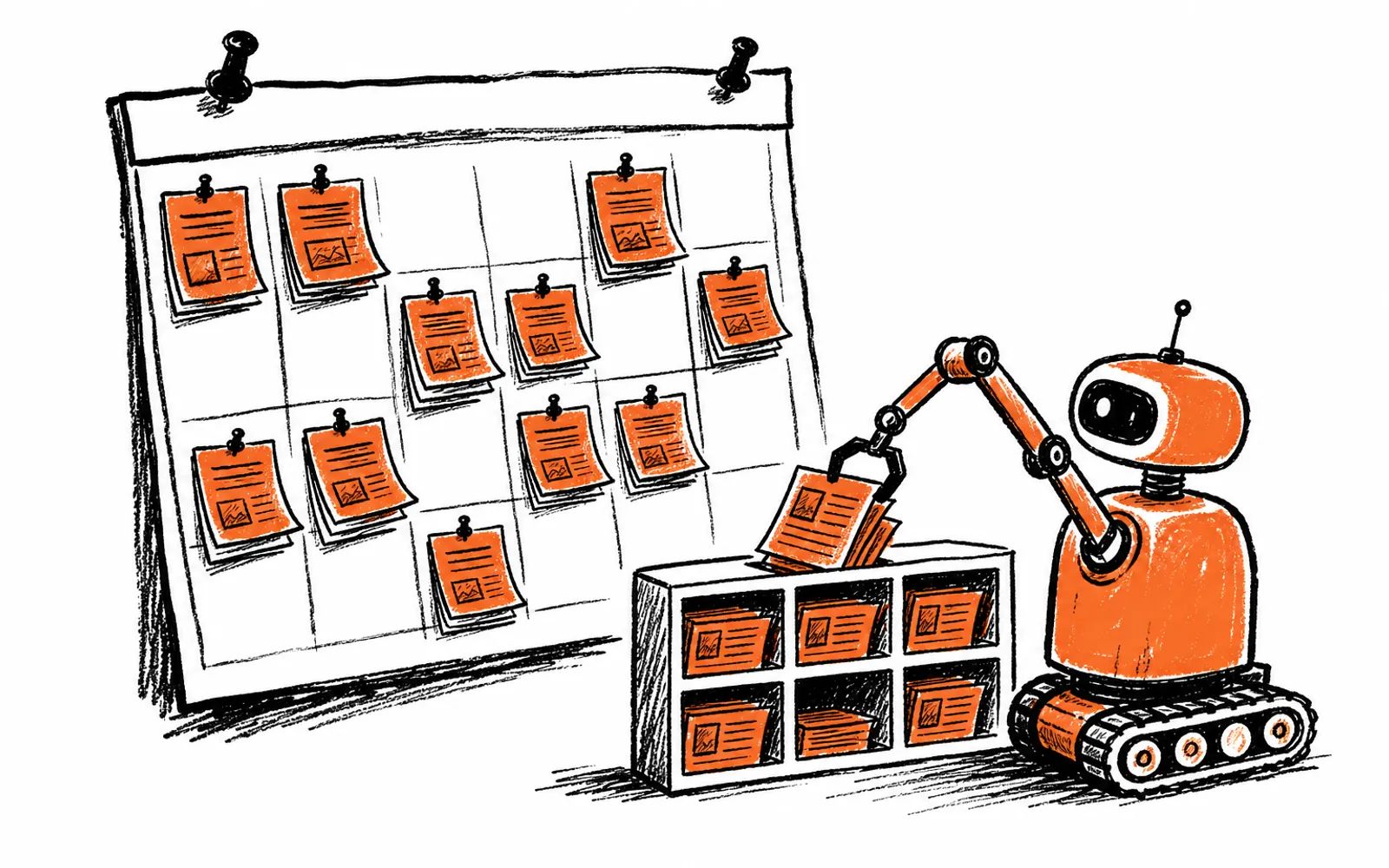
This is where software earns its place. lightbreak is newsletter publishing software for local media that checks a publication's sources every morning, including local news feeds, Zillow listings, Google and iCal event calendars, pet adoption feeds, local job boards, YouTube channels, Google Drive, and direct uploads, then writes each story in the publication's voice and assembles the standard sections. A home listing becomes a Featured Home with the price, beds, baths, and its own GIF. Pet of the Week and Restaurant Radar get GIFs made automatically from the listing or the place's own photos. Before sending, a review agent reads the whole issue against every source it came from, checking links, photos, prices, and dates. On the September 29 Leander Scoop issue it opened 31 links and fact-checked 18 stories in 27 seconds. Most publications on lightbreak ship an issue in under 15 minutes, and the finished issue pushes to Beehiiv or ActiveCampaign, where subscribers, delivery history, and list health stay put. A person still decides when the issue sends.
Set up the anatomy in your own issue
- 01Write the section list
Fix your order: top story, briefs, events, restaurants, featured home, pets or jobs, sponsor slot.
- 02Assign a source list to each section
City, school, county, and police feeds for briefs. Public calendars for events. Zillow for homes. Shelter feeds for pets.
- 03Set a production day and cap
Pick one day and a fixed time budget. Curation with a cap is what turns hours into minutes.
- 04Draft in the fixed order
Fill each slot before polishing anything. A complete rough issue beats a perfect half issue.
- 05Check every link and fact
Open each link, verify prices and dates. This is the step that protects credibility.
- 06Place the sponsor slot
Keep the slot in the same position every issue so buyers know what they are paying for.
- 07Decide the send, then send
A person always makes the send call. No automation should replace that.