
How to merge two email lists without landing in spam
The exact steps to combine two subscriber lists so your next issue still reaches inboxes, and what to watch in the days after the merge.
- Never paste a new list straight into your main list and send to everyone at once
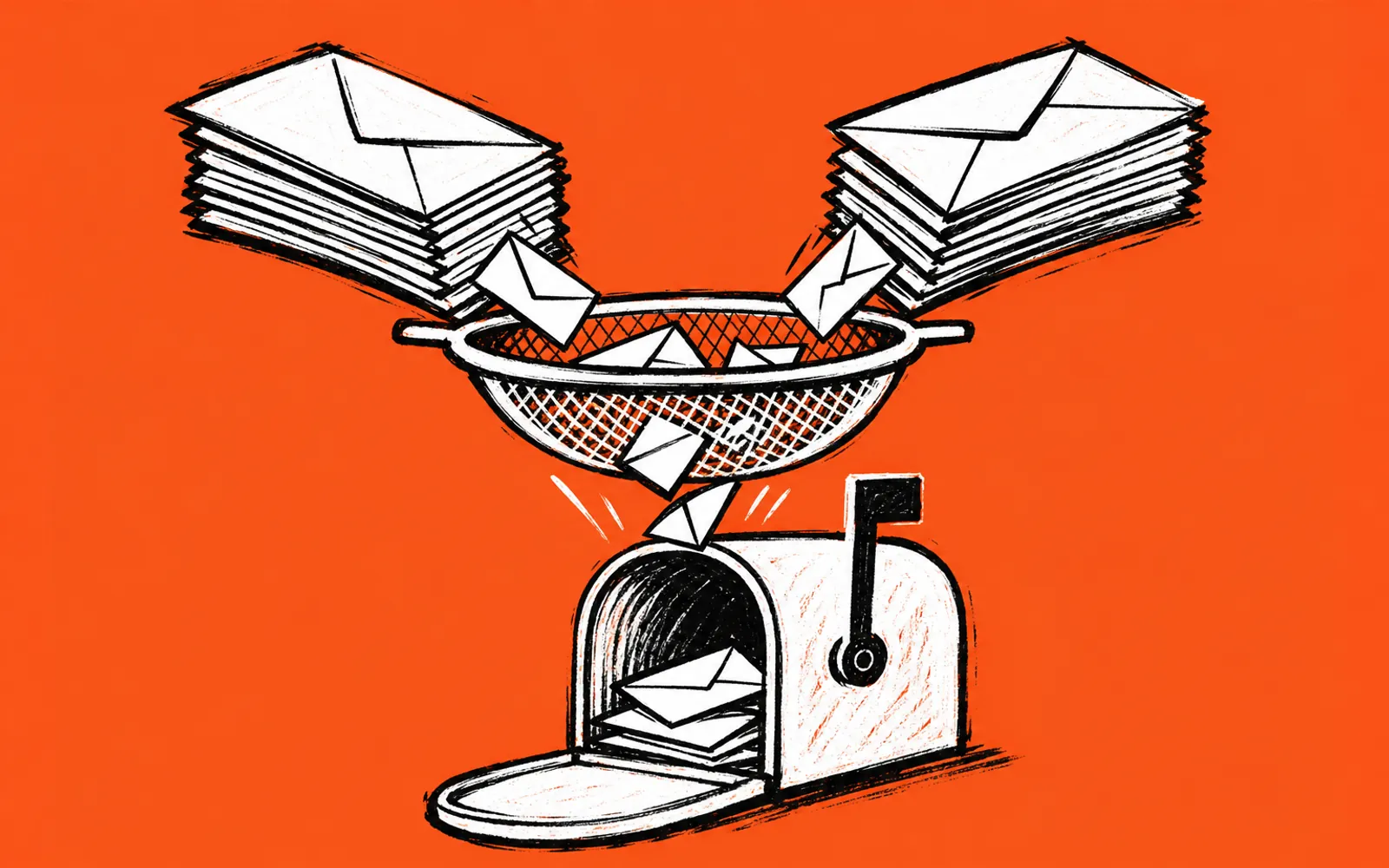
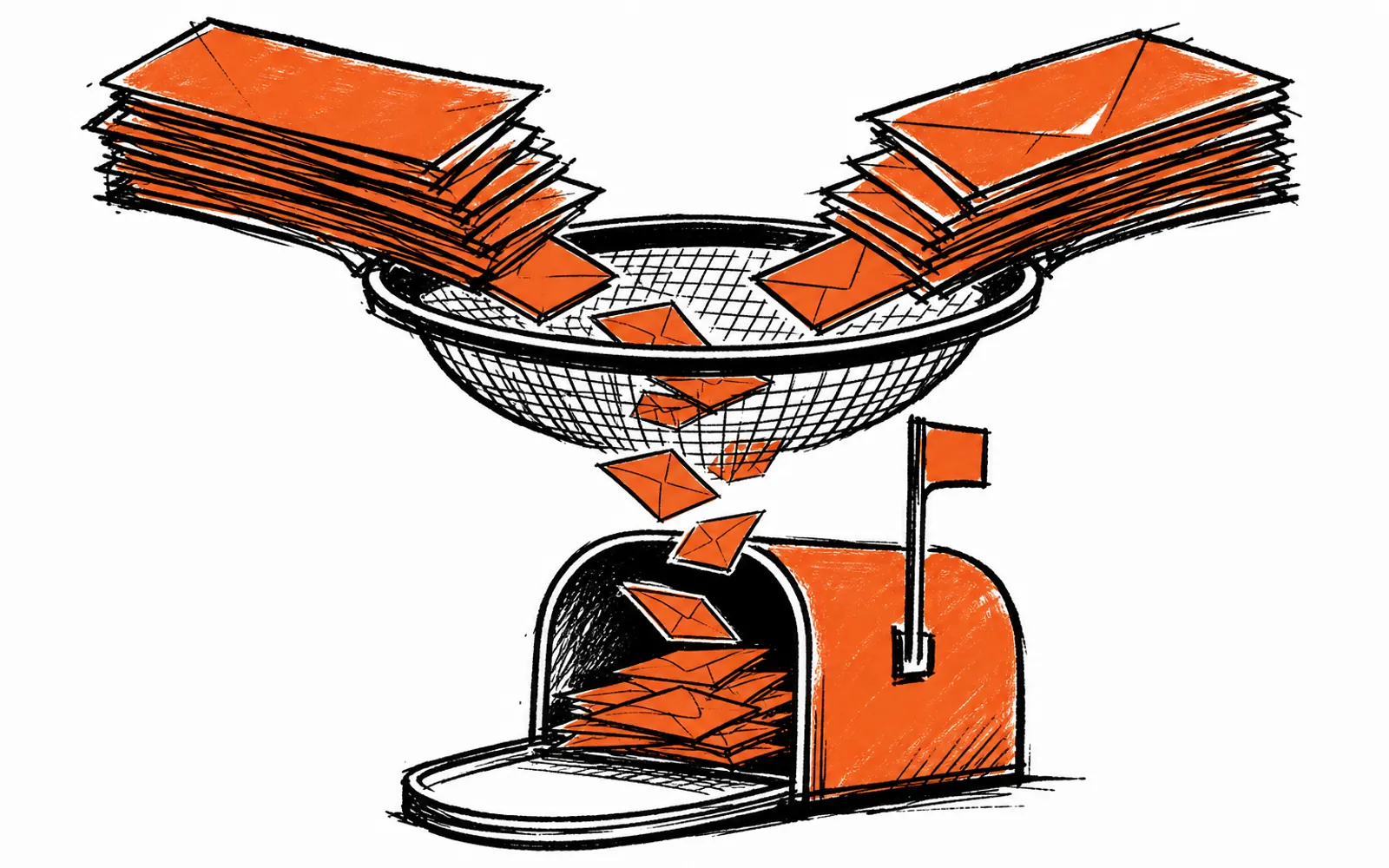
- Clean the incoming list first: drop bounces, inactive addresses, and role accounts
- Ask permission where you can, then send gradually to the new names
- Watch open rates and spam complaints for two weeks after the merge
The day finally arrives. A partner hands over their list, or an old publication of yours surfaces with hundreds or thousands of local readers on it. The temptation is to paste the whole thing into your main list and hit send on the next issue. That single blast is the fastest way to hurt your deliverability, because a batch of addresses that never asked for your newsletter tells the receiving email providers something changed, and they often respond by routing your mail to spam. A safe merge moves people over only after you clean the new list, ask permission where you can, and send gradually.
Why a straight paste causes problems
Email providers watch how recipients behave. When a large group of people who have never opened your mail suddenly receives an issue, low engagement across that group drags your overall numbers down. Some of those addresses will be old, abandoned inboxes or spam traps, addresses that exist only to catch senders who mail without permission. Hitting even a few of those can affect whether your regular subscribers see the next issue at all. The risk is not that the merge is impossible. It is that doing it in one send gives you no chance to separate the good addresses from the dead ones.
Who this workflow is for
This is for people who run a local newsletter and have acquired a second list, through a partnership, an acquisition, or an archive of their own, and want to keep it without damaging the main publication. It is not for someone who bought a list from a broker. Purchased lists have no consent behind them, and no cleaning process fixes that. If the people on the list never agreed to hear from you or from the publication they joined, the safest merge is no merge.
The merge, step by step
- 01Export both lists
Download each list as a CSV from its platform so you can see every address, name, and signup date side by side.
- 02Remove duplicates
Match on the email address and delete anyone already on your main list so nobody gets two copies.
- 03Drop the dead weight
Cut hard bounces, addresses with no opens in a long time, and role accounts like info@ and admin@ that belong to no person.
- 04Run a verification pass
Use a list verification tool to flag addresses that no longer exist before you ever import them.
- 05Send a permission email first
Mail the new names alone, explaining who you are and why they are hearing from you, with a clear link to confirm or leave.
- 06Import only the confirmed or recently active
Move into your main list only the people who clicked confirm, plus anyone whose signup or open activity is recent.
- 07Send gradually
Spread the first few real issues to the imported names in small batches rather than one blast, so engagement stays readable.
- 08Let a person confirm each send
Keep a human decision between the finished issue and the send button for every issue after the merge too.
What your email platform handles, and what it does not
Your email platform, such as Beehiiv or ActiveCampaign, stores subscribers, sends the mail, and reports on delivery and list health. It will import addresses and show you who opened and who complained. What it does not do is decide for you which addresses are safe to import, and it does not remove the risk of importing a bad list in one go. The judgment calls, which rows to delete, whether to run a permission pass, how large each batch should be, stay with you. Treat the platform as the delivery system and yourself as the editor of the list.
What to watch after the merge
For the first two weeks after the imported names start receiving your issues, check three things on every send. First, your open rate: if it drops noticeably from your normal level, your next issue may be going to spam for some recipients. Second, spam complaints: most platforms report these, and a spike means you imported people who did not want the mail. Third, bounces: a rise right after the merge means the cleaning pass missed addresses that no longer exist. If any of the three moves the wrong way, pause the remaining batches and clean again before sending further. The batch approach exists precisely so you can stop early.
Keeping a human on the send decision during a merge
During a merge, the workflow that protects you is the one that keeps a person between the finished issue and the send button. If you build issues with lightbreak, that separation is built in: lightbreak works with Beehiiv and ActiveCampaign, subscribers, delivery history and list health stay where they are, and moving over costs nothing. lightbreak builds the issue, the publisher's email platform sends it, and a person always decides when an issue sends. That last part matters most in the weeks after a merge, when you want a human looking at both the issue and the list before anything goes out.