
Where the hours go in a local newsletter issue, and which steps lightbreak takes off your plate
The manual workflow behind one issue takes 2 to 3 hours. Publications on lightbreak ship an issue in under 15 minutes, from source to send.

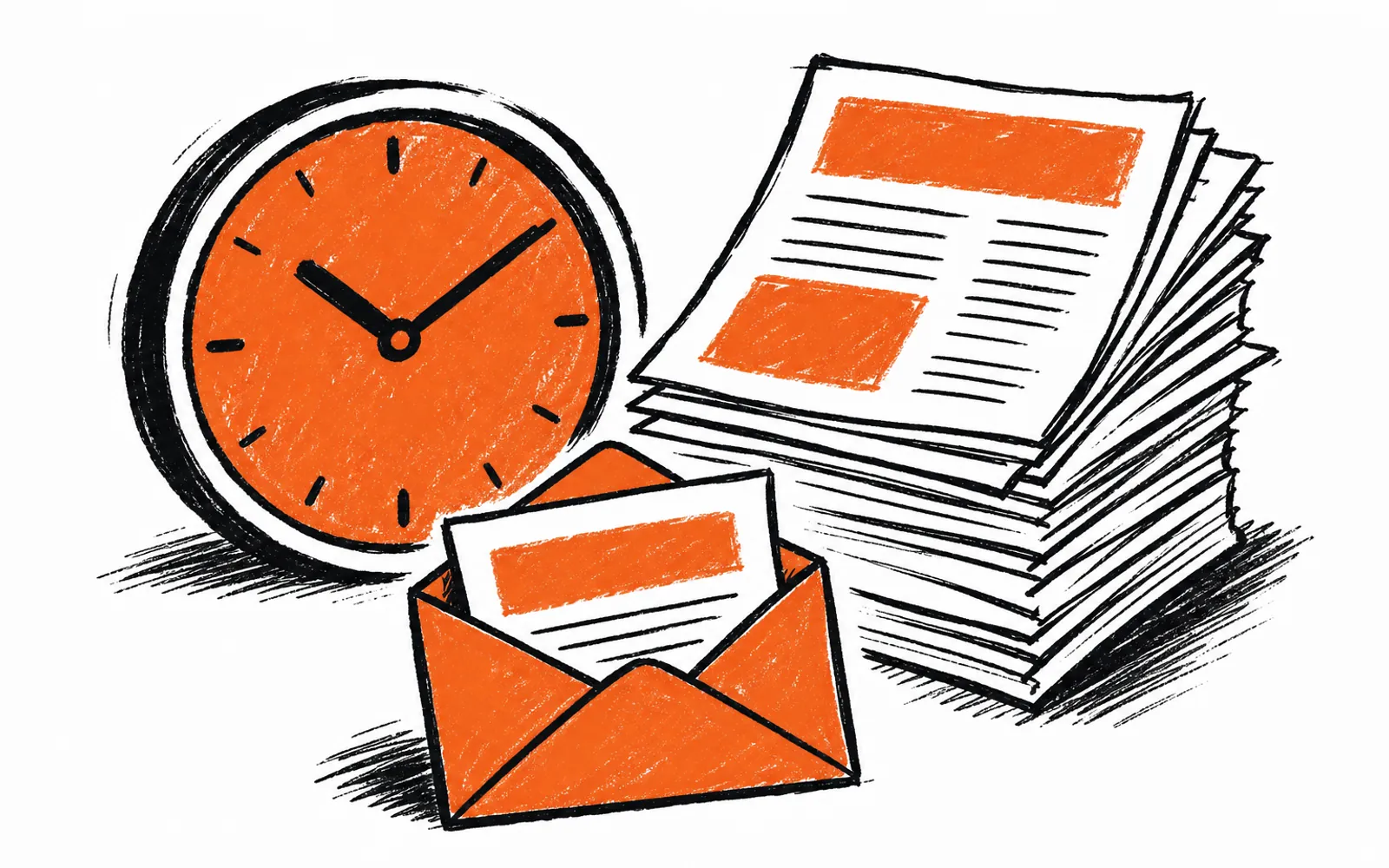
It is the night before send day. The links from the city, the schools, the shelter and the community calendar sit unchecked. A price on a listing needs verifying, a date on an event needs confirming, three stories are still unwritten, and the visuals do not exist yet. Anyone who publishes a local newsletter knows the evening is gone before the first story is drafted. lightbreak handles those steps so an issue goes from source to send in under 15 minutes.
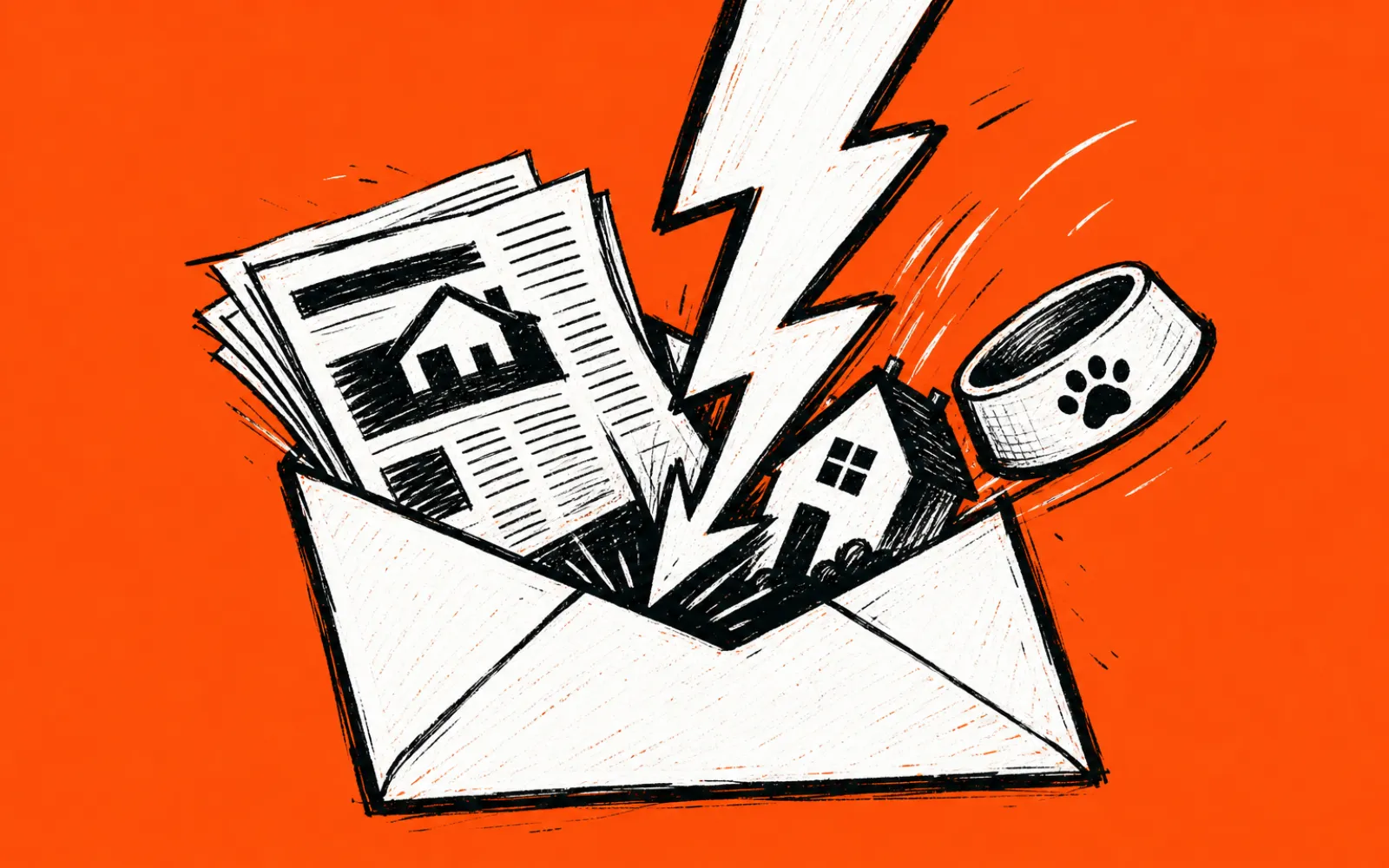
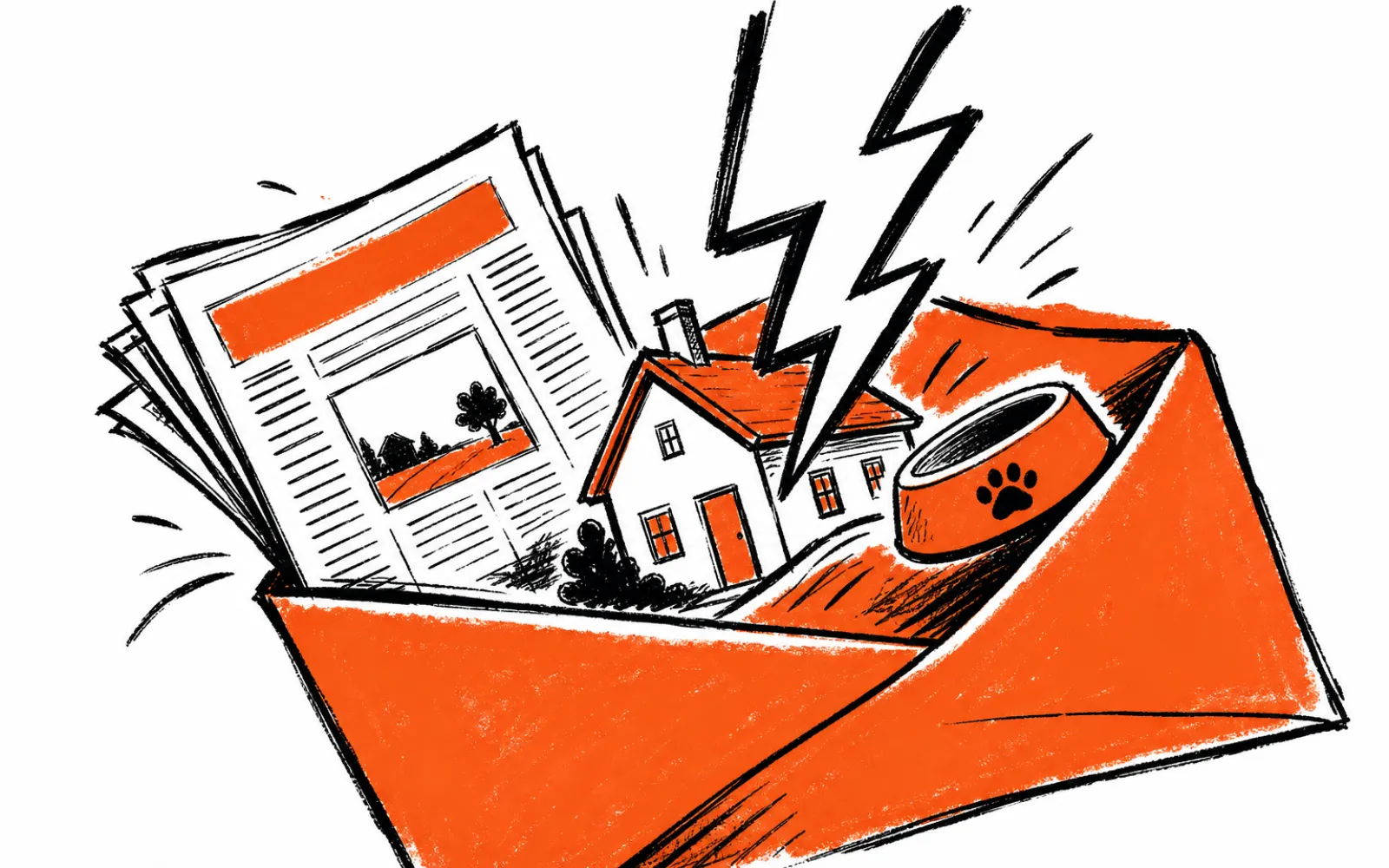
lightbreak is newsletter publishing software for local media. It pulls in local news, restaurants, businesses, homes, events, pets and jobs, writes each story in the publication's voice, makes GIFs for homes, pets and restaurants, checks the whole issue with a review agent, and pushes the finished issue to Beehiiv or ActiveCampaign. Most publications on lightbreak ship an issue in under 15 minutes. The manual workflow usually takes 2 to 3 hours.
What lightbreak does at each step
The first manual step is gathering stories from many local sources. lightbreak checks sources every morning, so when the publisher opens the app the stories are already waiting: news from the city, schools, county and police, pets from shelters, new restaurants and businesses, home listings, events from community calendars, local job openings, videos from local channels, and any website or RSS feed the publisher pastes in.
The second step is writing. A publisher drags a story from the day's feed into the issue, and it comes back written in the publication's voice. Dropping in a restaurant makes the section produce a moving GIF from the place's own photos. A home listing comes back with the price, beds, baths and its own GIF.
The third step is checking, which is the slowest part of the manual workflow. Before an issue goes out, the review agent reads the whole issue against every source it came from. It opens every link in the issue so nothing points to a dead or wrong page, checks each photo against the story it sits in, and compares prices and dates with the original listing, post or calendar. It returns a short list of what is off and where it came from, and the publisher decides what changes.
The fourth step is delivery. The publisher previews exactly what readers will see, then pushes the finished issue to Beehiiv or ActiveCampaign. There is no subscriber migration and no cost to migrate. A person always decides when the issue sends.
One real review: Leander Scoop, Sep 29
On a real Leander Scoop issue from September 29, the review agent opened 31 links and fact-checked 18 stories in 27 seconds. The same check done by hand is what eats the evening before send day.
Who it is for
lightbreak is for people who run local newsletters: publications covering one town or a handful of nearby towns, pulling from city agendas, school districts, shelters, calendars and business openings. The team behind it runs more than 20 local publications with over 170,000 subscribers, and built the tool out of that newsroom work. It is not a fit for a publisher whose workflow needs an email platform other than Beehiiv or ActiveCampaign, and pricing is quoted on a call based on the number of publications.
How to build an issue
- 01Open today's feed
lightbreak has already checked your sources that morning, so stories are waiting.
- 02Drop in a news story
Pick one from the feed and it comes back written in your publication's voice.
- 03Drop in a restaurant
The section makes a moving GIF from the place's own photos.
- 04Drop in a home listing
It comes back with the price, beds, baths and its own GIF.
- 05Run the review agent
It opens every link, checks photos, prices and dates, and lists what is off.
- 06Preview and push
See exactly what readers get, then push the issue to Beehiiv or ActiveCampaign.